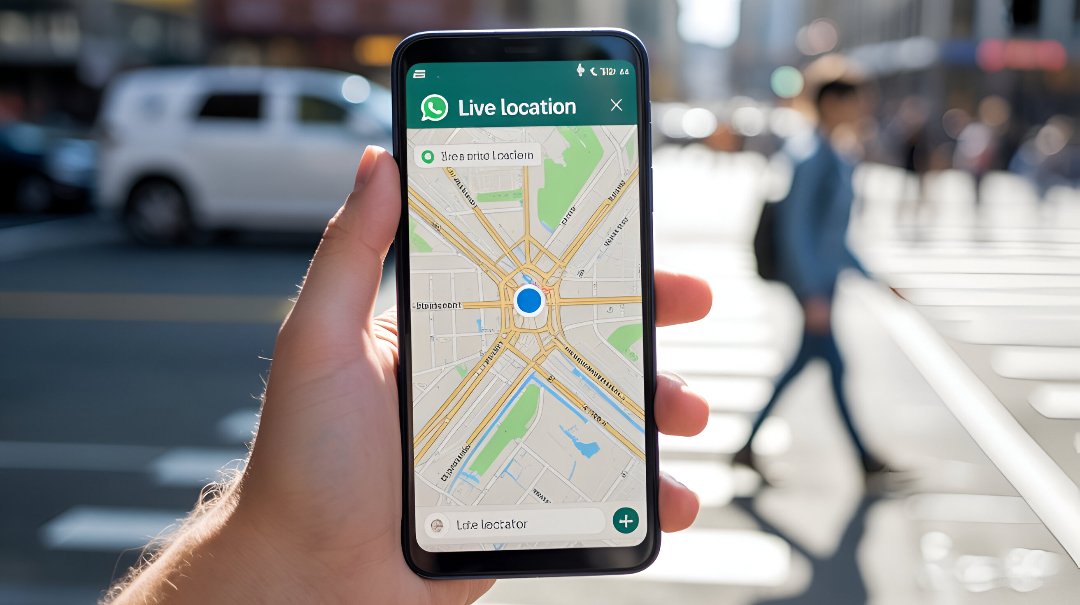
In today’s digital age, staying connected with friends, family, or colleagues is easier than ever, thanks to features like Live Location. This powerful tool on messaging apps such as WhatsApp allows you to share your exact position in real time, making meet-ups and safety check-ins effortless.
you are navigating busy city streets, waiting for a ride, or ensuring loved ones know you’re safe on a late-night journey, Live Location provides unmatched convenience. Unlike sending a one-time static pin, Live Location updates continuously, offering real-time visibility. With added layers of privacy and safety, it has become a trusted feature for everyday communication.
Why and When Should You Share Location on WhatsApp?
There are many reasons why people use WhatsApp location sharing. If you are meeting a friend in a busy city, it is easier to send your current location in WhatsApp chat instead of giving long directions. Families often use share live tracking on WhatsApp to ensure their loved ones arrive safely at home, while businesses rely on this tool for WhatsApp location for deliveries and pickups.
In the USA, location sharing is also common in emergencies. During storms or when traveling at night, WhatsApp location sharing in emergencies gives peace of mind. Instead of constant phone calls, your contacts can see your real-time location updates directly on the WhatsApp map sharing feature.
WhatsApp Location Sharing Options Explained
WhatsApp provides two main choices. You can either send your current location on WhatsApp or choose to share live location for 15 minutes, 1 hour, or 8 hours. The difference between current and live location is important. A location pin on WhatsApp is static—it shows where you are at one moment. A live share moves with you, updating in real time.
Here’s a quick comparison:
| Option | What it Shows | Best Use Case |
|---|---|---|
| Current Location | One-time pin | Meeting at a fixed place |
| Live Location | Continuous updates | Travel, safety, deliveries |
How to Enable Location Services on Your Device
Before you learn steps to send current location on WhatsApp, you must first turn on location services for WhatsApp. Without permissions, the app cannot access your GPS.
On both iPhone and Android, go to Settings, find location permissions in WhatsApp, and make sure it’s set to “Allow While Using App.” This way, the WhatsApp GPS feature can read your location safely and accurately. Remember, WhatsApp end-to-end encryption also protects this data.

How to Share Location on WhatsApp (Android Guide)
For Android users, the process is simple. Open a chat, tap the attach icon, and select “Location.” From there, you can either send your current location in WhatsApp chat or share live location for 15 minutes, 1 hour, or 8 hours.
People in the USA often share location on Android while commuting. For example, a college student can share with parents until they reach campus. This makes travel updates smooth without constant texting.
How to Share Location on WhatsApp (iPhone Guide)
If you use iPhone, open the chat, tap the plus sign, and choose “Location.” Just like Android, you can share location on iPhone as a static pin or WhatsApp live location tracking during travel.
An example would be using use WhatsApp for meeting point directions when attending events. Instead of asking “Where are you?”, your friends see your real-time location updates. It’s quick, simple, and accurate thanks to WhatsApp map accuracy and GPS settings.

Is It Safe to Share Your Location on WhatsApp?
Many people ask, is WhatsApp location sharing safe? The answer is yes, because of WhatsApp privacy and safety. Every shared pin or live session is protected by WhatsApp end-to-end encryption, meaning no outsider can see it.
Still, safety also depends on you. Always use best practices for location sharing. Only send details to trusted contacts, and always remember to stop sharing live location on WhatsApp once you are done.
Benefits of Sharing Location on WhatsApp
There are clear advantages to this feature. It is a quick way to share location with friends and family, helpful for business use of WhatsApp location sharing, and vital during emergencies.
In fact, many delivery companies in the USA use this feature as delivery agent location help. Customers can see where their driver is, while workers feel more secure because clients know their WhatsApp live location tracking during travel.
Quick Tips Before Sharing Location
Before using this tool, check that your GPS is working properly. Adjust your WhatsApp map accuracy and GPS settings for better results. Also, check your data connection. Poor signals can delay real-time location updates.
It’s also smart to double-check who you’re sharing with. If you are sending your pin in a share location in group chat, make sure only trusted people are there. These simple WhatsApp privacy tips for safe location sharing protect you.
Alternatives to WhatsApp Location Sharing
While WhatsApp works well, some people prefer family tracking apps or tools like the Qoli location tracker app. These give more detailed features, like travel history or alerts when someone leaves a set area.
Still, WhatsApp vs third-party location tracking apps comes down to personal choice. For most people, WhatsApp is easy and secure. But in the USA, parents often mix both options for extra safety.
Why and When Should You Share Location on WhatsApp?
Sharing your Live Location on WhatsApp can help in many daily situations. For example, if you are meeting a friend in a crowded city, the feature makes it simple for them to track your way. Parents often use WhatsApp location sharing to check that their children reach home safely after school.
It is also useful in emergencies. Imagine a car breakdown on a highway at night. Instead of explaining directions, you can use emergency location sharing to help family, friends, or even roadside assistance find you quickly. Knowing when to share location with friends and family adds convenience and safety.
WhatsApp Location Sharing Options Explained
WhatsApp gives you two choices: current location on WhatsApp or Live Location on WhatsApp. The current location option sends a one-time pin on the map. It does not change if you move. This is helpful if you are at a café or shop and want to share the exact spot.
On the other hand, share live tracking on WhatsApp provides real-time updates. You can choose to share it for 15 minutes, 1 hour, or 8 hours. This way, your movements appear directly on the map. It’s perfect for travel updates, family tracking, or guiding someone during a pickup or delivery.
Is It Safe to Share Your Location on WhatsApp?
Many people ask, is WhatsApp location sharing safe? The good news is yes. The app uses WhatsApp end-to-end encryption, which means only you and the person you share with can see it. Even WhatsApp itself cannot view your WhatsApp map sharing data.
Still, safety depends on you. Always check location permissions in WhatsApp and share only with trusted contacts. Avoid sharing with strangers or in large groups unless necessary. Following WhatsApp privacy tips for safe location sharing ensures that your data stays protected.
Final Thoughts
In 2025, knowing how to share live location on WhatsApp is more than just a tech skill—it’s a safety tool. Whether you want to meet friends, guide deliveries, or protect your family, WhatsApp gives you reliable options. You can send your current location in WhatsApp chat or keep someone updated with real-time location updates.
The key is to use this feature wisely. Always stop sharing live location on WhatsApp when not needed, follow best practices for location sharing, and stay mindful of WhatsApp privacy and safety. With the right habits, this tool becomes a trusted companion for your daily life in the USA.
FAQ
How to share location on WhatsApp 2025?
Open a chat, tap the Attach (paperclip) icon → Location → Share live location, choose duration, and tap Send.
How do I send a live location on WhatsApp?
Open the chat, tap Attach → Location → Share live location, select duration, and send.
Why is WhatsApp not showing live location?
To resolve issues with WhatsApp Live Location not functioning, make sure Location Services are turned on and WhatsApp is granted either “While using the app” or “Always allow” location permission in your device settings. Additionally, check that battery saver mode
Can you permanently share live location on WhatsApp?
No, WhatsApp does not allow indefinite location sharing. When sending your live location, you need to pick a time frame—15 minutes, 1 hour, or 8 hours—after which your location sharing will automatically end.

I am a passionate blogger, researcher, and author creating insightful content that inspires learning and creativity. I also accept guest posts and link insertions.
